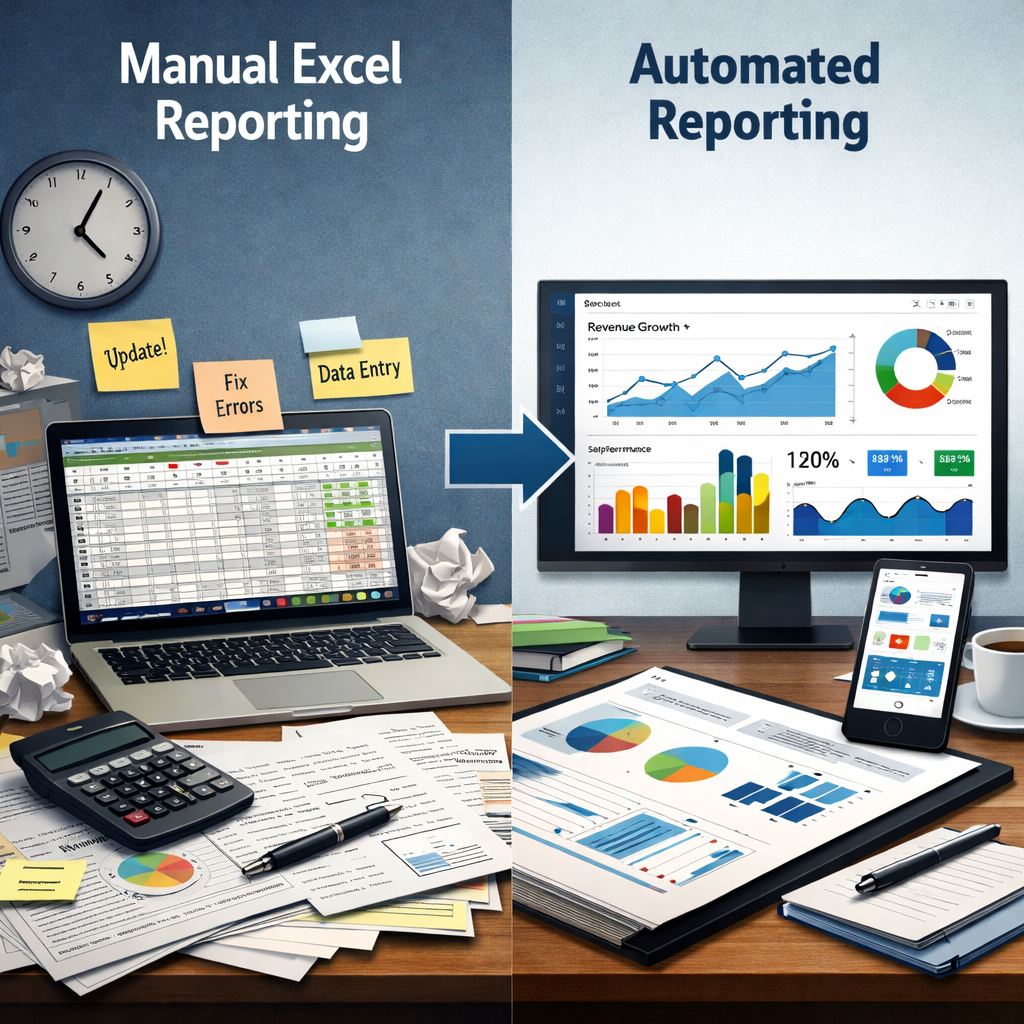
Businesses today are not short on data—they are overwhelmed by it. Yet in many organizations, reporting still depends on manual spreadsheets. It works, but only up to a point. Beyond that, it slows decisions, introduces risk, and limits visibility.
This is where Reporting Automation becomes less of an upgrade and more of a necessity.
When reporting is automated, data moves seamlessly from source to insight. Teams stop preparing reports and start using them. And leadership gains access to timely, reliable information that supports confident decision-making.
This shift is not just about efficiency—it is about building a scalable, insight-driven organization.
The Real Problem with Manual Reporting
Most teams don’t realize how much time is lost to reporting until they step away from it.
Manual Excel workflows typically involve:
Exporting data from multiple systems
Cleaning and reconciling inconsistencies
Maintaining formulas and templates
Rebuilding reports repeatedly
At a smaller scale, this feels manageable. As the business grows, it becomes fragile.
The common issues are predictable:
Reporting delays due to manual dependencies
Errors caused by broken formulas or incorrect inputs
Lack of real-time visibility
Inconsistent formats across teams
Limited scalability
The real cost is not just time—it is missed opportunities due to delayed or unreliable insights.
This is exactly the gap Reporting Automation is designed to close.
What Reporting Automation Really Means
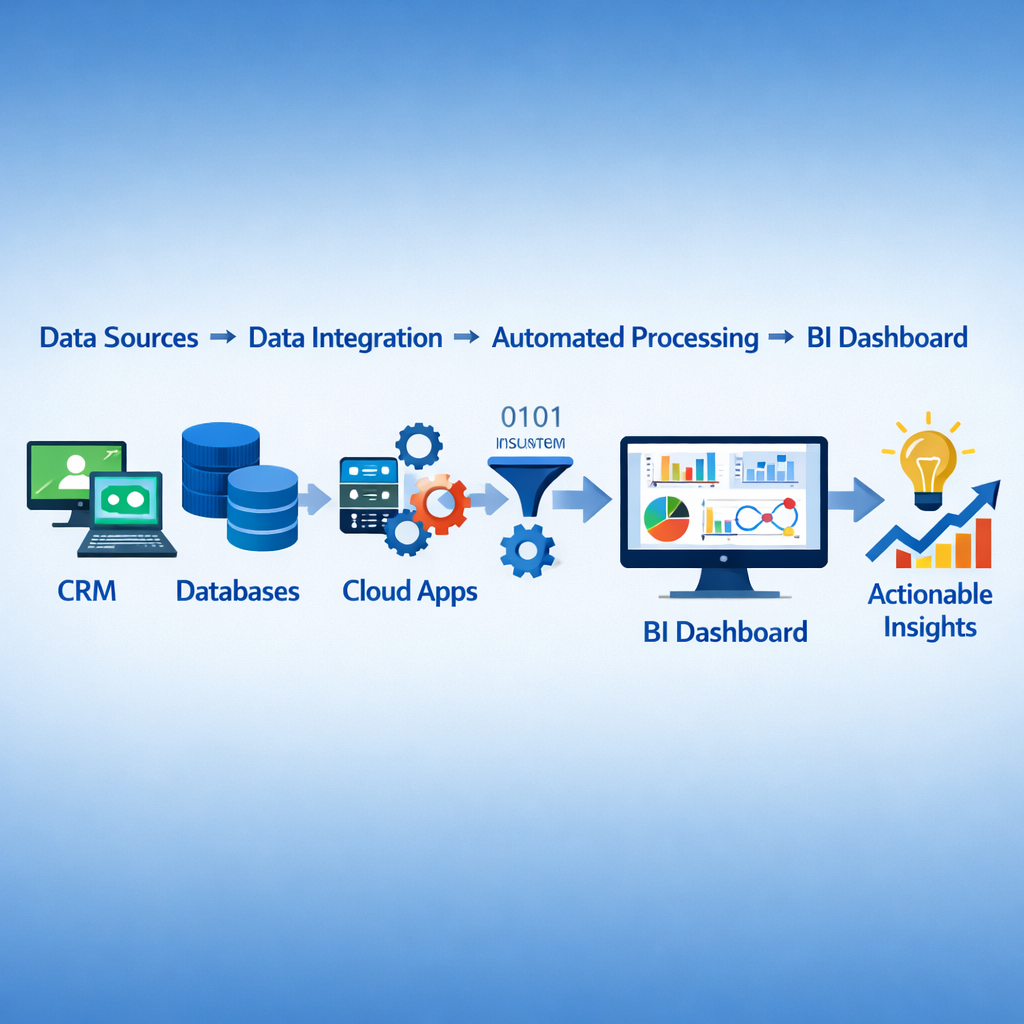
At its core, Reporting Automation is about creating a system where data flows automatically—from collection to visualization—without manual intervention.
This typically includes:
Automated reporting tools
Data analytics automation
Real-time reporting systems
Business intelligence dashboards
Instead of building reports manually, organizations connect their data sources—CRM, ERP, marketing platforms—and allow systems to continuously update dashboards.
For businesses exploring modern analytics environments, solutions available on the Engine Analytics provide a practical starting point for consolidating and automating reporting workflows.
By transforming repetitive reporting tasks into intelligent, automated processes, companies can focus on strategy instead of spreadsheets. In modern organizations, data must move quickly from collection to insight. With the right tools and systems, businesses can turn complex datasets into clear, visual, and actionable reports.
This is why Reporting Automation is rapidly becoming a core capability for data-driven companies. Instead of spending hours copying numbers into spreadsheets, teams can rely on Automated reporting tools, Data analytics automation, and Business intelligence dashboards to deliver insights instantly.
This article explores how Reporting Automation replaces traditional reporting workflows, improves accuracy, and enables faster decision-making for growing organizations.
Where AI Fits into Reporting Automation
Automation alone improves efficiency. AI takes it a step further by making reporting intelligent.
Modern reporting systems are increasingly integrating AI to:
Detect anomalies automatically
Highlight trends without manual analysis
Forecast future outcomes
Generate natural language summaries
This is especially important as data volumes grow beyond what manual analysis can handle.
Organizations investing in AI-ready data infrastructure—such as modern data warehouses and unified data pipelines—are better positioned to scale analytics.
For a deeper perspective on how AI is shaping data platforms, resources from Microsoft Learn highlight how integrated analytics ecosystems outperform traditional reporting setups.